
Best Virtual Try-On Apps for Clothes: Free, Paid and Plus Size
Free and paid virtual try-on apps for clothes compared: Google, ChatGPT, Elara, TryDrobe and more, plus which try on whole outfits and which suit plus sizes.
 Mehul AgarwalFounder
Last updated: November 2026
Quick answer: The best virtual try-on apps for clothes in 2026 are Google Shopping's "try it on" for the widest range of products, ChatGPT for trying on items you find in a shopping chat, Elara for trying on several pieces together as a complete outfit (from your own wardrobe, from stores, or a mix of both), TryDrobe for a dedicated photo-plus-garment try-on, and Alta, Acloset or Pureple if you mainly want a digital closet with try-on built in. Every one of them shows how clothes look on you, not how they fit, so still check the size chart.
The biggest difference between these apps is not image quality. It is whether you can see one piece on its own or the whole outfit you would actually wear. A blazer can look great alone and wrong with your trousers. This guide compares seven apps on that question, with each app's features checked on its own site or announcement, as of October 2026.
What to look for in a virtual try-on app
Four questions decide which app suits you. Start with the first one, because it changes everything else.
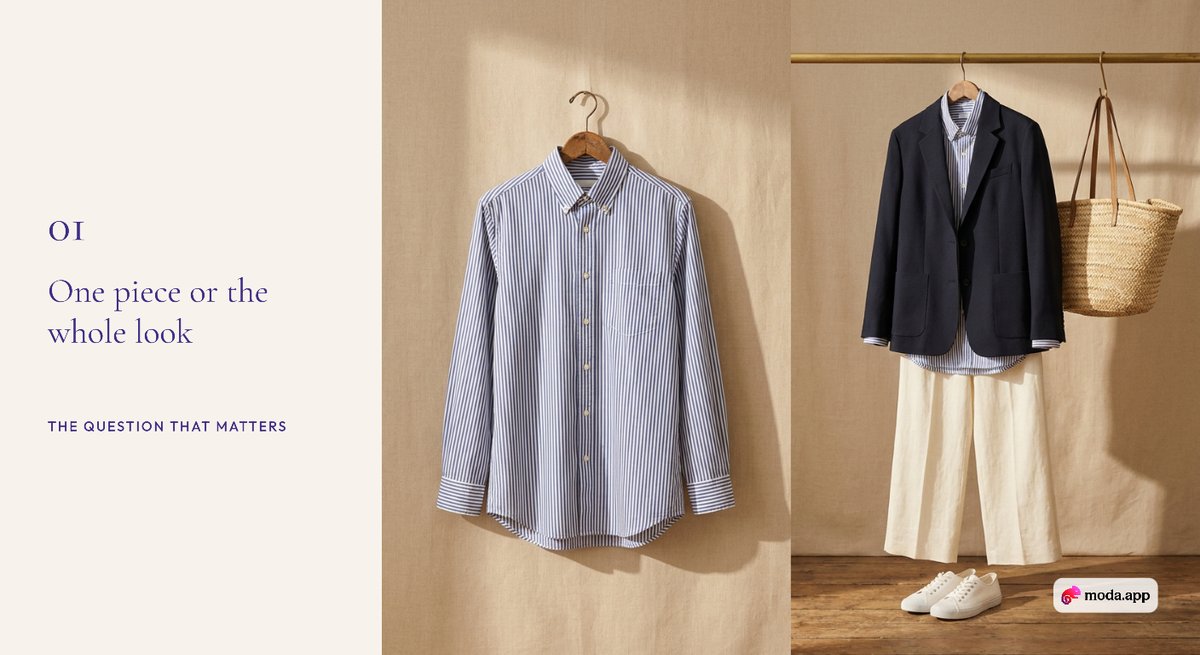
- One piece or the whole look? Most shopping try-on tools show a single item on your photo. Outfit-level try-on puts several pieces on you together, so you can judge proportions, colour pairings and layers the way a mirror would.
- Your photo or an avatar? Google, ChatGPT, TryDrobe and Elara work from a photo of you. Alta and Acloset build an AI avatar that looks like you.
- Does it know your wardrobe? A wardrobe-aware app can show a new piece with clothes you already own, which is the real test of whether it is worth buying.
- Where does it work? Some tools only work on products inside their own shopping results. Others take a product link, a screenshot or, with a browser extension, any product page.
The 7 best virtual try-on apps for clothes
1. Google Shopping "try it on": best for product coverage
Google lets you tap the "try it on" icon on an eligible clothing listing and upload a photo of yourself, then see the garment on you, according to Google's guide to Shopping try-on. It covers shirts, pants, dresses and shoes, and you can save or share the look. Google recommends a full-body photo with good lighting and fitted clothing.
- Best for: trying products while you are already searching on Google.
- Trade-off: it tries on the listing in front of you; Google's guide does not describe combining several pieces or using clothes you own.
2. ChatGPT: best inside a shopping conversation
Since 1 October 2026, ChatGPT shows a Try On button in its shopping results. You upload a selfie or full-body photo and see how a piece of clothing or an accessory might look on you, and you can also upload a screenshot of an item and ask ChatGPT to try it on, TechCrunch reported. OpenAI announced it as a global launch.
- Best for: research, price comparison and a quick preview in one chat.
- Trade-off: the launch examples are one item at a time, and ChatGPT does not keep a catalogue of your wardrobe. Our Elara vs ChatGPT Virtual Try-On comparison goes deeper.
3. Elara: best for trying on a complete outfit
Elara is an AI personal stylist that treats try-on as part of building an outfit, not a single-product preview. You can put several pieces on yourself at once and see the full look, whether those pieces are already in your wardrobe, things you are shopping for, or a mix of the two.
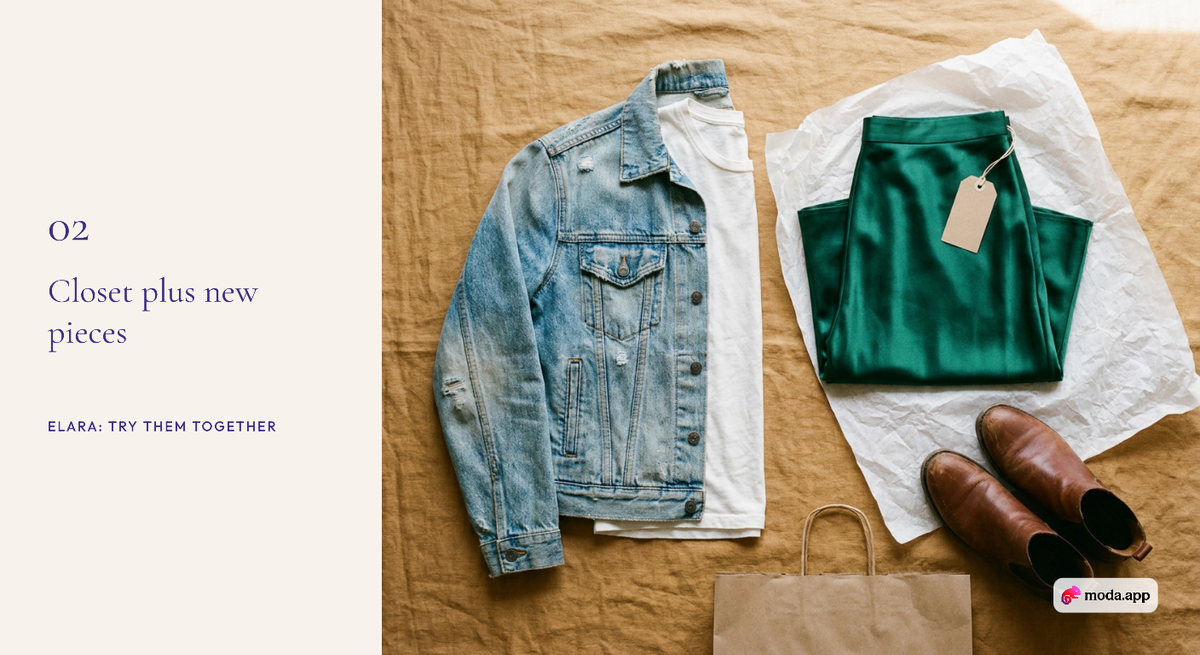
- From your wardrobe: photograph your clothes once and Elara builds a digital closet. Pick a top, trousers, jacket and shoes and see them on you together before you get dressed, or before you pack.
- While shopping: paste a product link from any store and Elara shows it on your photo, then tells you what in your closet it goes with. Add other pieces, new or owned, and try the whole outfit at once.
- Mix old and new: the most useful test is a new skirt with the jacket and boots you already wear. That is how you find out whether a purchase will actually get worn.
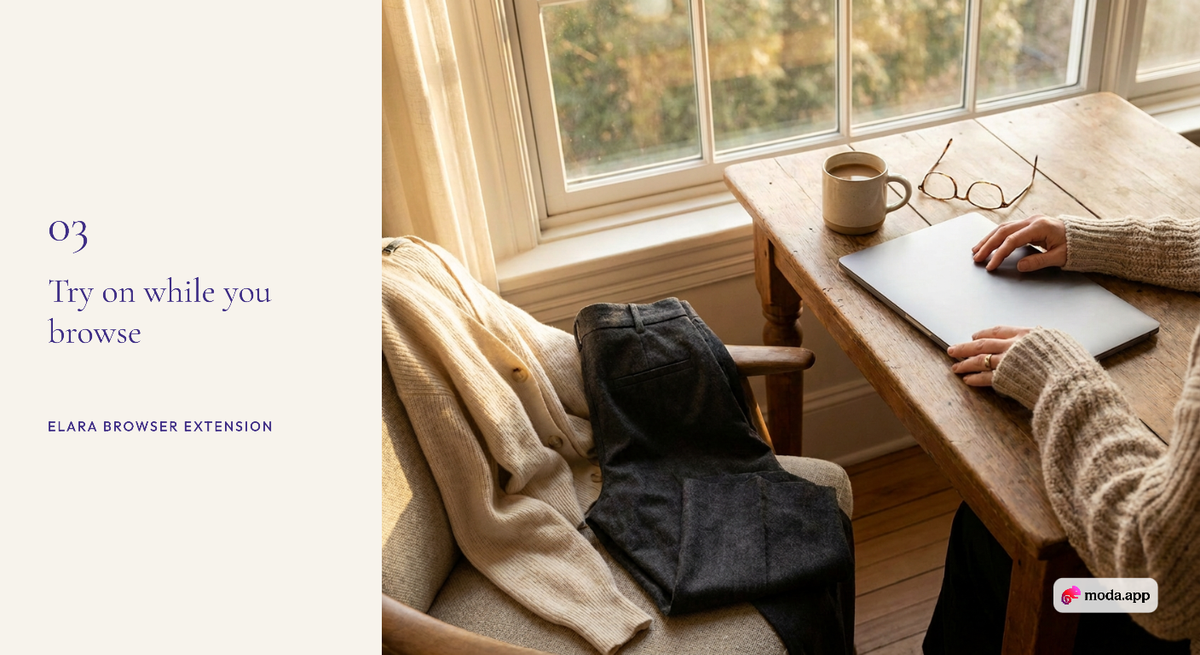
- The browser extension: Elara Virtual Try-On lets you try on clothes from any product page while you browse, without copying links. Its Wardrobe Match feature checks whether you already own something similar before you pay. Elara lists it for Chrome, Comet and Atlas.
- Best for: shoppers who want to see the whole outfit, and wardrobe-aware buying across any store.
- Trade-off: you get the most from it after adding your clothes to the closet; if you only want an occasional single-item preview, a free tool like Google's may be enough. Elara is free to start with a monthly credit allowance.
4. TryDrobe: best dedicated photo-plus-garment try-on
TryDrobe asks for a clear photo of you and an image of the clothing, then shows it on you, according to its website. It also saves garments and results in a digital closet, plans outfits up to two weeks ahead and sends price-drop alerts, and it runs on web, iOS and Android. Paid passes are listed at $4.99 a week (about 20 try-ons) or $14.99 a month (about 80 try-ons), with 50% off the first billing cycle in a fall sale ending 30 November, as of November 2026. TryDrobe says it is designed for every body type from petite to plus size.
- Best for: people who want a focused try-on tool for clothes from anywhere.
- Trade-off: its site describes trying on outfits from images and building combinations, but does not clearly say whether several garments can go into one try-on.
5. Alta: best avatar-based closet planner
Alta generates outfits on an avatar that looks like you, built from a headshot and details such as height and measurements, with an optional full-body selfie, according to Alta's guide to its avatars and its App Store listing. You tap the Avatar button next to an outfit to see it on your look-alike, and you can plan a calendar of avatar looks. The closet fills from photos, forwarded receipts or Alta's item database.
- Best for: planning complete looks on a stylised version of yourself.
- Trade-off: it is an avatar rather than your actual photo, which suits planning more than judging a specific garment's colour on you.
6. Acloset: best all-in-one AI closet
Acloset creates an AI avatar from your photo and lets you try on your own clothes, wishlist items or recommended outfits and "see the full look on you," according to Acloset's website. It also digitizes clothes from a photo, imports past online orders, suggests outfits for the weather and has a Chrome extension for saving items from online stores. It is on iOS and Android.
- Best for: people who want closet tracking, outfit ideas and try-on in one app.
Want this styled from your own closet?
Elara builds the look from what you own, then lets you try it on.
- Trade-off: try-on runs on an avatar of you. Acloset's FAQ says it is free for up to 100 items, with a monthly subscription beyond that; the subscription price is not listed on its site (as of November 2026).
7. Pureple: best for organizer-first users
Pureple lets you combine pieces from your digital closet and "explore an outfit on yourself or on a virtual model," according to Pureple's website. Unlimited wardrobe items and manual outfits are free, while AI styling is a paid feature (its AI Style Me tool requires Pureple Pro), as of November 2026. Some planning tools, such as the outfit calendar and travel lists, are listed for iOS.
- Best for: people who already plan outfits from their closet and want to preview them.
- Trade-off: it works from clothes you have added, so it is less suited to trying on something from a store you are browsing.
Which virtual try-on apps work for plus-size bodies?
Photo-based apps such as Google's try-on, ChatGPT, TryDrobe and Elara put clothes on a photo of your own body, so they are the better choice if you want to see a garment on your real shape. Avatar apps such as Alta build a look-alike from your height and measurements, which suits outfit planning more than judging how a specific piece drapes on you.
- TryDrobe says on its website that it is "designed for every body type and size, from petite to plus size," while noting that its previews do not provide garment measurements or guarantee fit (as of November 2026).
- Google asks for a full-length photo with good lighting and fitted clothing. Loose clothes can hide the body shape the tool needs to read, so a fitted base outfit gives a truer result on any body.
- Elara works from your own photo and lets you try a full outfit at once, so you can check proportions such as where a jacket hits against a skirt or trousers you already own.
Whatever the app, use try-on to judge colour, silhouette and how pieces work together, and use the brand's garment measurements for size. Our guide to whether virtual try-on works for all body types goes deeper on what changes with plus-size and non-standard bodies.
Quick comparison
- Google: single listing on your photo; free; Google Shopping products.
- ChatGPT: single item on your photo; shopping results or a screenshot.
- Elara: several pieces together on your photo, from your closet, any store or both; browser extension for any product page.
- TryDrobe: garment image on your photo; paid passes; web and apps.
- Alta: full outfits on an avatar; closet and calendar.
- Acloset: closet items, wishlist or suggested outfits on an avatar from your photo.
- Pureple: closet outfits on you or a virtual model; AI styling on Pro.
How to get realistic try-on results
The photo you upload matters more than the app. Google's own advice is a full-body shot with good lighting and fitted clothing, and the same rules help every tool.
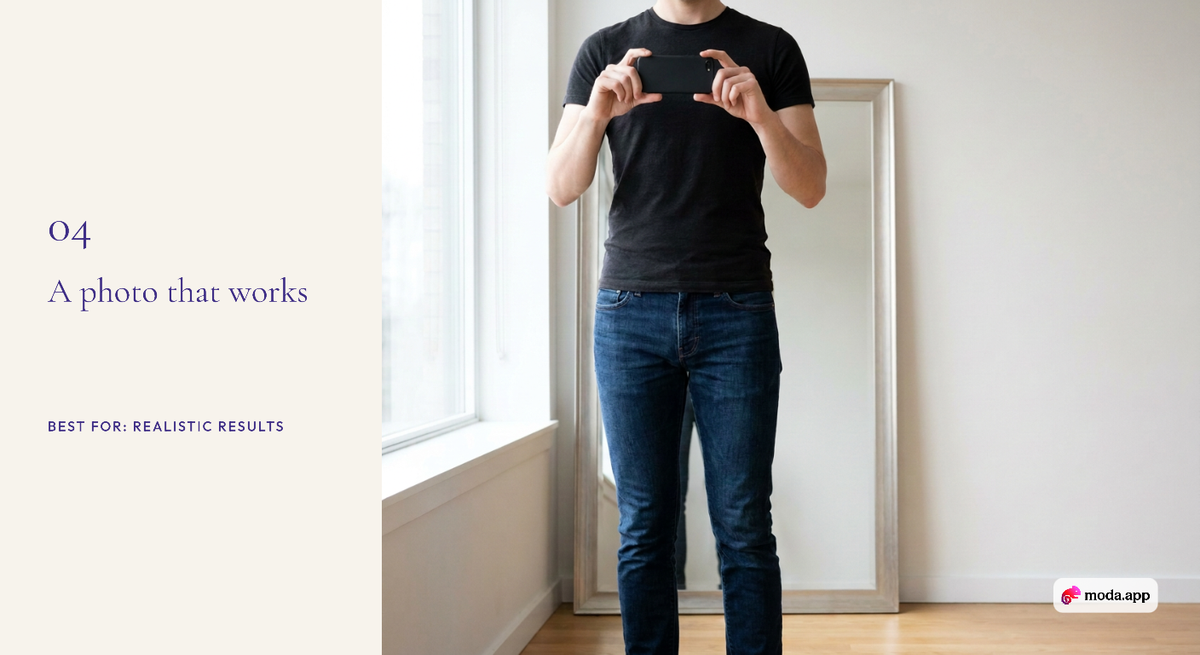
- Stand straight, arms slightly away from your body, so the app can see your shape.
- Use even daylight and a plain background.
- Wear fitted basics, like a tee and slim jeans, so loose clothes do not distort the result.
- Judge colour and proportion, not fit. Check the brand's garment measurements and return policy before you buy. Our guide to better virtual try-on results covers this in more detail.
Which virtual try-on app is best?
For trying on almost anything you find on Google, use Google's "try it on". For a quick preview inside a shopping chat, ChatGPT works well. For seeing a complete outfit on yourself, mixing clothes you own with pieces you are thinking of buying, Elara is the strongest choice here. If you prefer an avatar-based closet, look at Alta or Acloset, and if you mainly organise and plan, Pureple. Run a Shopify fashion store? See our separate guide to virtual try-on apps for Shopify brands.
FAQ
Can I virtually try on a whole outfit, not just one item?
Yes, with some apps. Elara lets you try several pieces on yourself at once, whether they come from your wardrobe, from stores or both. Alta and Acloset show full outfits on an avatar, and Pureple previews outfits built from your closet. Google's and ChatGPT's shopping try-on show one item at a time in their published examples.
What is the best free virtual try-on app for clothes?
Google's "try it on" in Google Shopping is free on eligible listings. Elara is free to start with a monthly credit allowance, and Pureple's closet and manual outfits are free, with AI styling on Pro.
Can I try on clothes from any website?
Some tools can. Elara takes a product link from any store, and its browser extension works on product pages while you browse. ChatGPT accepts screenshots of items, and TryDrobe accepts clothing images. Google's try-on works on eligible listings inside Google.
Is there a virtual try-on Chrome extension?
Yes. Elara Virtual Try-On is on the Chrome Web Store and lets you try on clothes while you shop, and checks whether you already own something similar. Elara also lists it for Comet and Atlas.
Are virtual try-on apps accurate?
They are good for judging colour, silhouette and how pieces work together. They are not exact simulations of fit, so check size charts and return policies.
Which virtual try-on apps work for plus-size bodies?
Apps that use your own photo, such as Google's try-on, ChatGPT, TryDrobe and Elara, show clothes on your real shape. TryDrobe says it is designed for every body type from petite to plus size. Avatar apps like Alta model you from your measurements instead. None of them confirm fit, so check the brand's size chart.
See your whole outfit with Elara
A try-on image answers "how does this look?" Elara adds the questions that come next: what does it go with, and does the whole outfit work on me? Try Elara free, or add the Elara Virtual Try-On extension and try on while you browse.
Your stylist, in your pocket
Stop reading about outfits. Start wearing them.
Elara knows your closet, shops every store and gets you dressed for any occasion.