Best Fashion Apps to Try in 2026, Sorted by What You Need
The best fashion apps to try in 2026 to organise your closet, get styled, try clothes on, find your colours and buy or sell secondhand, with prices checked.
 Mehul AgarwalFounder & CEO
Last updated: November 2026
Quick answer: The best fashion apps to try in 2026 depend on the job: Whering (free) or Indyx (free, membership $12.99 a month) to digitise your closet, Alta (free) for a daily outfit feed, Elara (free plan with 50 credits a month) for an AI stylist you can chat with, Google's Try-On tool in Google Shopping to see clothes on your own photo, a colour analysis app to find your palette, and Vinted or Depop to buy and sell secondhand without paying a selling fee (Depop's applies to US and UK sellers). Prices and terms below were checked on each company's own site or App Store listing in November 2026.
"Fashion app" covers five very different jobs, and most people need two or three of them, not one app that claims to do everything. This guide sorts the apps worth trying by what you actually want to do, says what each one costs, and flags the catch, so you can install the right ones and skip the rest.
1. Apps to organise your closet
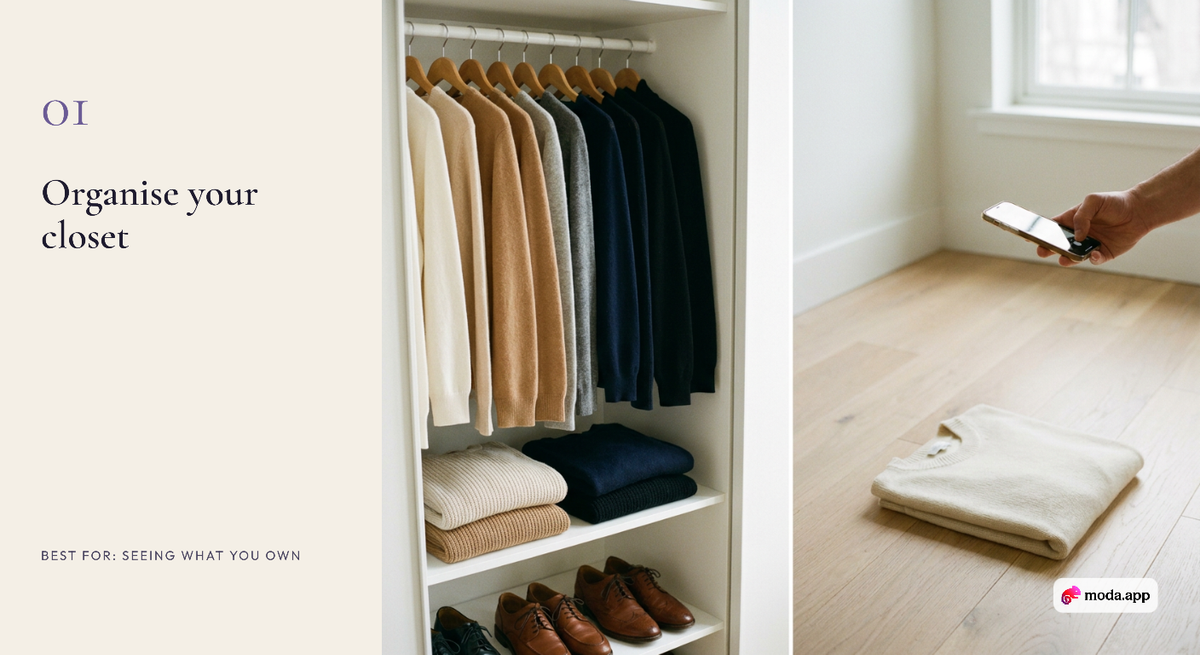
A digital closet is the foundation: once your clothes are in an app, every other tool (outfit planning, packing, spotting gaps before you shop) gets easier.
- Whering. A digital wardrobe and outfit planner. Its FAQ says plainly that "Whering is completely free to use" (Whering). Best for: anyone who wants a free closet app to start with.
- Indyx. Free to download with an optional membership listed at $12.99 a month or $74.99 a year on the US App Store, rated 4.8 from about 1,700 ratings. You can add items by photo, forwarded receipt or product link, plan outfits on a calendar, track cost per wear, and book a lookbook of ten outfits styled from your own closet (Indyx on the App Store). Best for: people who like stats and human stylist help.
- Alta. A free closet and outfit planner built around a daily feed and an avatar you dress; its App Store listing shows it as free with no in-app purchases as of November 2026 (see our Elara vs Alta comparison for details). Best for: browsing outfit ideas every morning.
The catch with all three: you have to photograph or import your clothes first. Set aside an hour, start with what you wear most, and add the rest over a few weeks.
2. Apps that style you
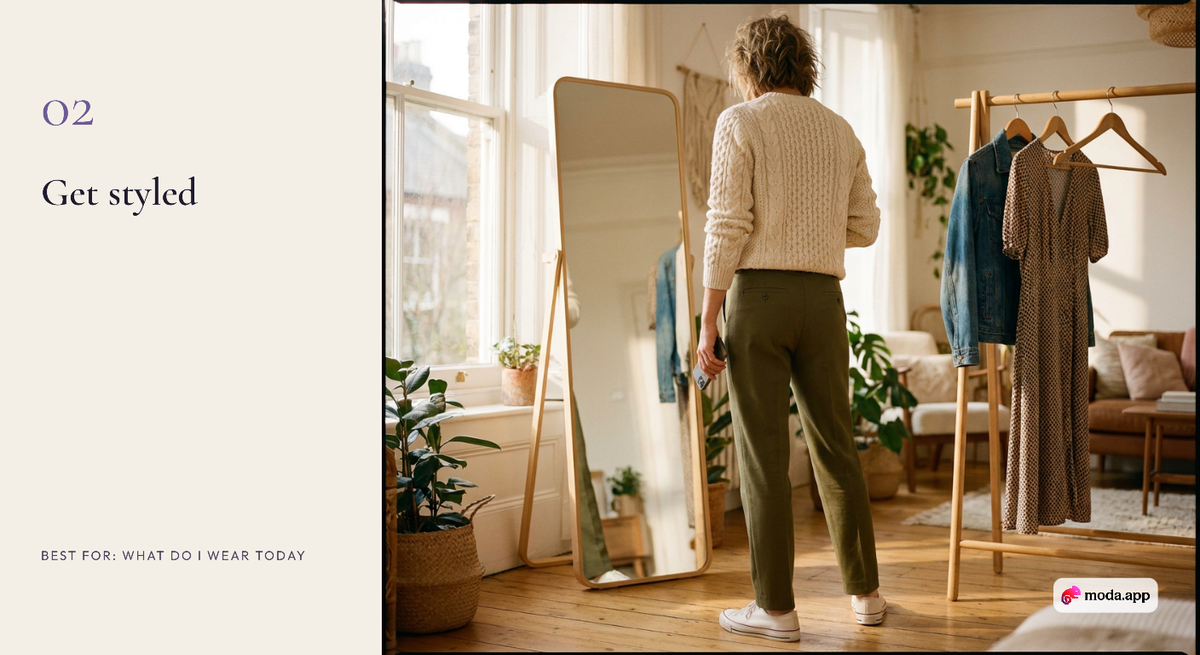
Closet apps store your clothes; a stylist app tells you what to wear with them.
- Elara. An AI personal stylist you chat with. It builds outfits from the clothes in your digital closet, learns your taste through Style DNA, plans looks on a Calendar and lets you try outfits on your own photo. Its pricing page lists a free plan with 50 credits a month, where an outfit or a try-on costs 3 credits and a chat message 1, plus paid Style, Pro and Elite plans with a 14-day free trial, on iPhone, Android and the web (Elara pricing). Best for: people who want to ask "what do I wear to this?" and get an answer from their own wardrobe.
General chatbots can also suggest outfits, but they do not remember your closet between conversations. Our guide to the limits of ChatGPT as a personal stylist explains the difference.
3. Tools to try clothes on before you buy
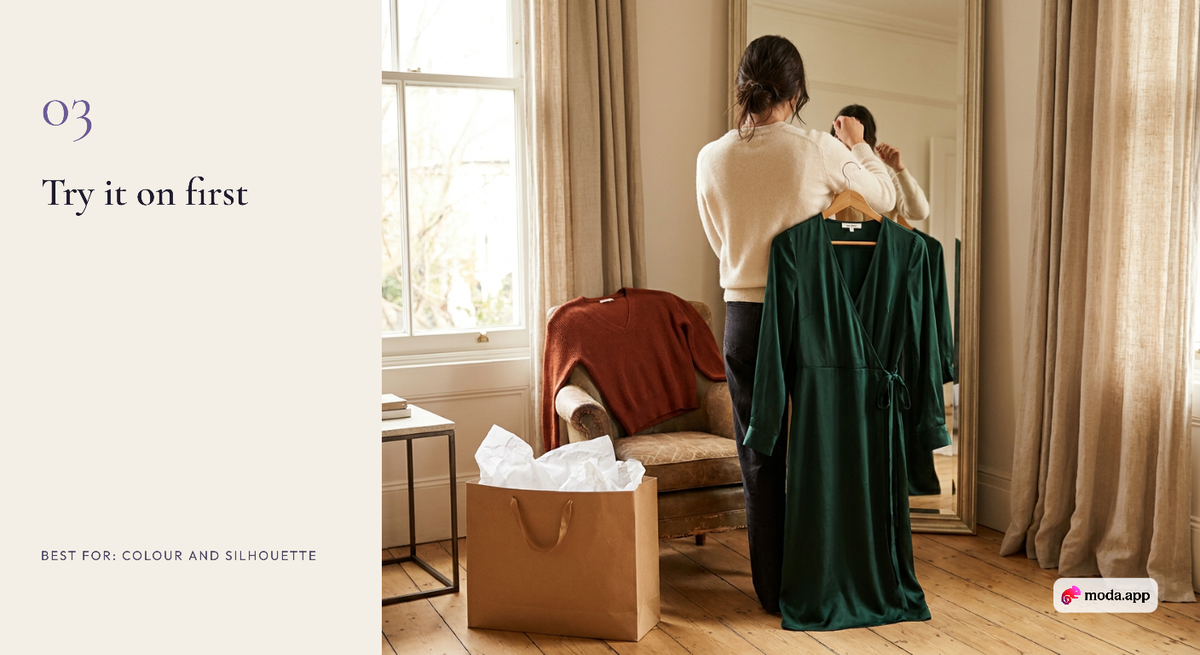
Virtual try-on is the fastest-moving category, and one well-known app has already gone: Google's experimental Doppl app stopped working on April 30, 2026, according to Google's Labs help page, which points users to Google's shopping try-on instead.
- Google Try-On. Built into Google Shopping. You upload a full-body photo or a selfie, then tap "Try it on" on eligible tops, bottoms and dresses; lingerie, swimwear and accessories are not supported. Google lists 18 countries, including the US, UK, India, Canada and Australia, and you must be 18 or older (Google Shopping Help). Best for: checking how a specific product listing might look on you.
- Elara's try-on. Works on full outfits, including pieces you already own mixed with something you are thinking of buying. Best for: seeing a whole look, not a single item.
Try-on shows colour and silhouette well. It does not tell you how a size will fit, so still check the brand's size chart.
4. Apps to find your colours
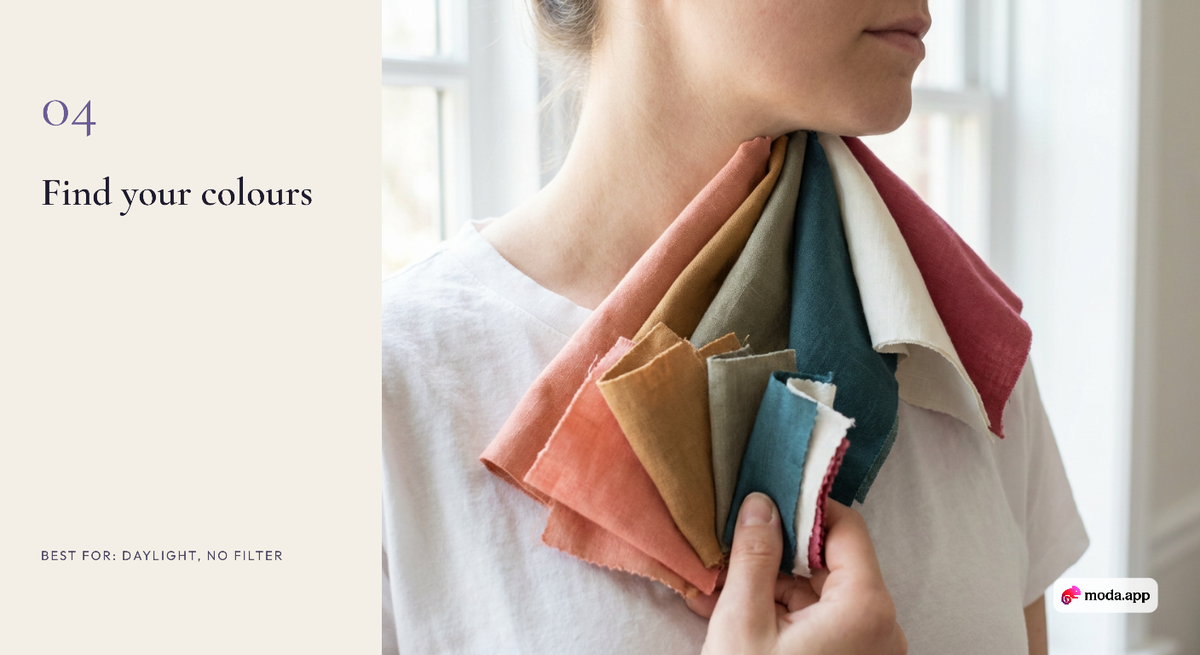
Colour analysis apps estimate your seasonal colour type from a selfie or a quiz and give you a palette of shades. Most give you a free first result and charge for the full palette or extra tools. We compare the free and paid options app by app, with prices checked in November 2026, in our color analysis app guide, and rank them in our best color analysis apps list.
Want this styled from your own closet?
Elara builds the look from what you own, then lets you try it on.
The one tip that matters most: take the photo facing a window in daylight, with filters off and no makeup. Lighting changes your result more than the app does.
5. Apps to buy and sell secondhand
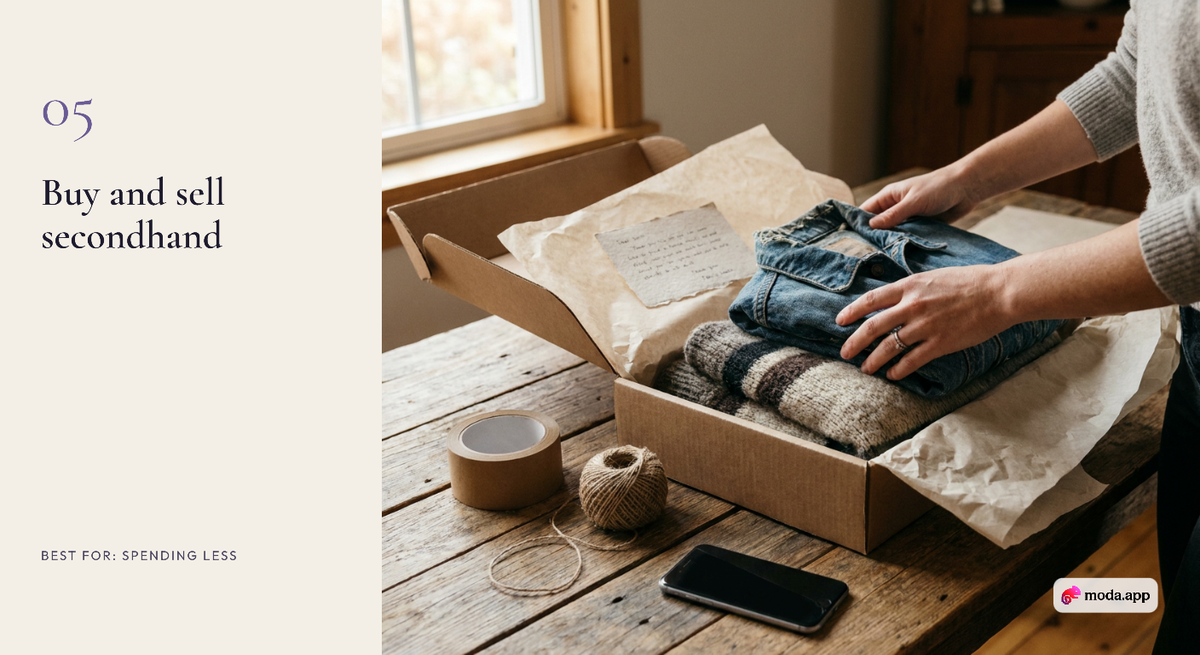
Resale apps are the cheapest way to try a new style and the easiest way to clear what you no longer wear.
- Vinted. Vinted's help centre says there are "no selling fees on Vinted"; buyers pay a Vinted fee (formerly called the Buyer Protection fee) shown at checkout (Vinted). Best for: sellers who want to keep the full sale price.
- Depop. Depop charges no selling fee for sellers in the UK or US, but payments carry a processing fee of 2.9% + £0.30 in the UK and 3.3% + $0.45 in the US, plus an optional 12% fee if you boost a listing (Depop Help). Best for: vintage and streetwear.
How to pick your fashion apps
Pick by problem, not by app store ranking:
- "I have nothing to wear" usually means you cannot see what you own. Start with a closet app, then add a stylist.
- "I keep buying things I never wear" is a planning problem. A closet app that tracks wears, plus try-on before you buy, helps most.
- "I do not know what suits me" starts with colours and silhouettes: a colour app, then a stylist that remembers the answers.
- "I want to spend less" points to resale apps and to wearing what you already own more often.
Two apps that share data beat five that do not. Most people do well with one closet or stylist app, one try-on tool and one resale app.
FAQ
What are the best fashion apps to try in 2026?
It depends on the job. For organising your closet, Whering and Indyx; for daily outfit ideas, Alta; for an AI stylist you can chat with, Elara; for trying clothes on, Google Try-On; for colours, a colour analysis app; and for secondhand, Vinted and Depop.
What is the best free fashion app?
Whering and Alta are free to use, Google Try-On is built into Google Shopping, and Elara has a free plan with 50 credits a month. Vinted charges sellers no selling fee.
Is there an app that tells you what to wear?
Yes. AI stylist apps such as Elara suggest outfits from the clothes in your digital closet, for the weather, occasion and your taste. Closet apps such as Indyx also offer paid human stylist lookbooks.
What happened to Google's Doppl app?
Google shut down the experimental Doppl app on April 30, 2026, and now points users to the Try-On tool in Google Shopping, which works on tops, bottoms and dresses in 18 countries.
Is Depop or Vinted better for selling clothes?
Vinted says it has no selling fees, and Depop charges no selling fee to US and UK sellers. On Vinted the buyer pays a fee at checkout; on Depop the seller pays a payment processing fee per sale. Depop is known for vintage and streetwear, Vinted for everyday wardrobe pieces.
Start with what you already own
The most useful fashion app is the one that knows your wardrobe. Add your clothes to Elara, ask the styling chat what to wear tomorrow, and try the outfit on before you get dressed. Try Elara free.
Your stylist, in your pocket
Stop reading about outfits. Start wearing them.
Elara knows your closet, shops every store and gets you dressed for any occasion.