Can Virtual Try-On Tell You What Size to Buy?
Virtual try-on can show you exactly how a dress looks on your body, but it doesn't confirm the size is right. Here's an honest, research-backed look at what AI rendering can and can't predict about fit, sizing, and fabric.

Can Virtual Try-On Tell You What Size to Buy?
What It Can and Can’t Predict
You upload your photo, pick a dress in size medium, and there it is: you, wearing it, looking pretty good.
It’s tempting to take that as confirmation and check out. But here’s the honest answer before you do: virtual try on can show you a lot about how a garment will look, and almost nothing about whether the size you picked is actually the right one.
That distinction matters more than most people realize, and it’s worth understanding clearly before you let a convincing render make a sizing decision for you.
What Virtual Try-On Can Actually Tell You
Used correctly, virtual try on is genuinely good at a specific set of things:
● Overall appearance: How the piece reads as a complete look, not just a flat product shot.
● Silhouette: Whether the cut suits your general body shape, loose, fitted, structured, or draped.
● Proportions: How the garment’s length and volume sit relative to the rest of your frame.
● Color: How a shade actually looks against your skin tone, which product photography alone rarely shows accurately.
● General visual fit: A reasonable first impression of whether a piece is “you” or not.
That’s real, useful information. It’s also where the tool’s reliability ends.
What Virtual Try-On Cannot Reliably Tell You
This is the part most people assume the technology has already solved. It hasn’t, at least not yet.
● Exact size: The render adapts a garment to your photo. It doesn’t measure you.
● Your actual measurements: No current photo based tool extracts precise body measurements from a single image.
● Comfort: A shirt can look perfect on screen and still feel restrictive across the shoulders in person.
● Fabric stretch: Whether a garment gives with movement or holds a rigid shape.
● Fabric feel: Texture, weight, and how it sits against skin.
● Movement: How a piece behaves when you sit, walk, or reach, something a static render can’t simulate.
● Garment construction: Stitching quality, lining, seam placement, the details that determine whether something holds up after a few washes.
None of this is a flaw in any particular app. It’s a structural limit of what visual rendering, however advanced, is actually built to do.
Why Looking Like It Fits Doesn’t Mean It Actually Fits
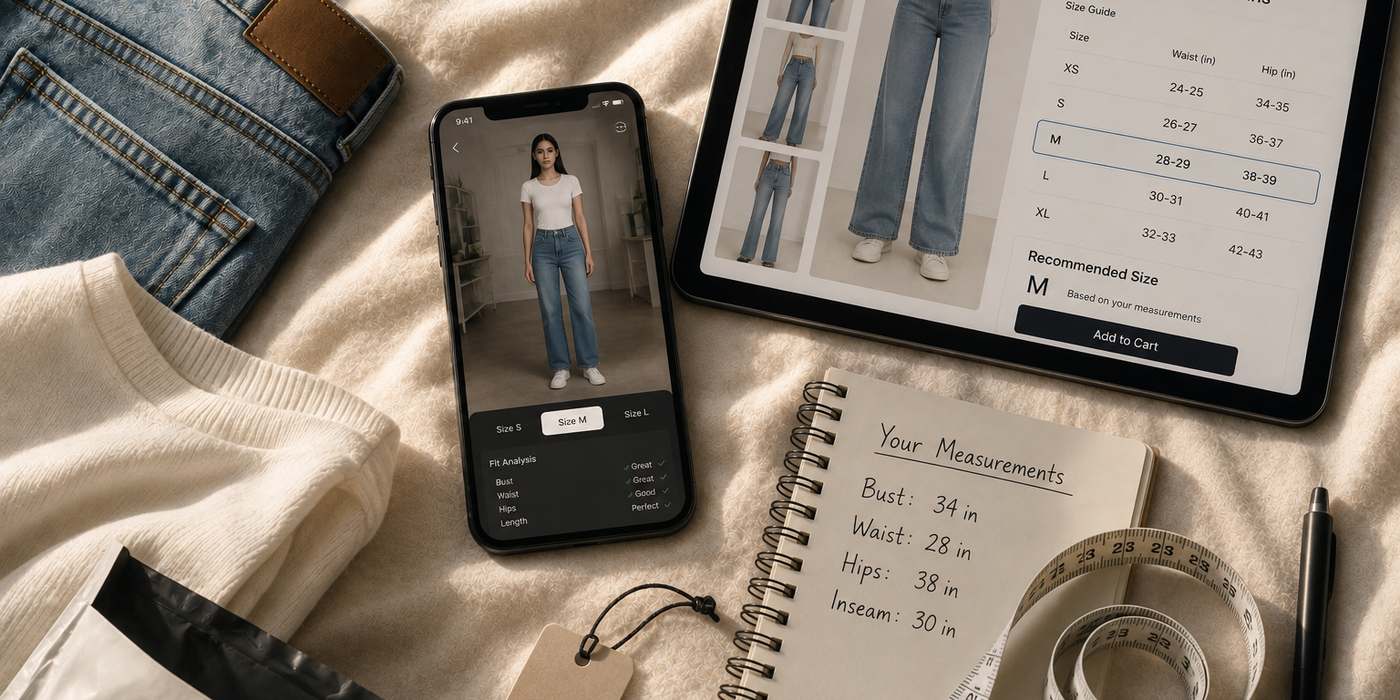
This is the gap worth sitting with for a second. A virtual try on tool takes the garment you selected and maps it onto your photo using your body’s proportions. It does this convincingly. But convincing and correct aren’t the same thing.
The render assumes the size you chose is the right one and simply shows you what that choice looks like.
If you picked the wrong size, the tool won’t catch it. It will still show you a plausible looking result, because visually mapping fabric onto a silhouette and actually knowing whether that specific garment, in that specific size, will sit correctly on your body are two entirely different problems. One is a rendering task. The other requires real measurement data the tool almost never has.
Ready to upgrade your wardrobe?
Get the Elara app for AI-powered styling and virtual try-ons.
Why Clothing Sizes Are So Hard to Predict Online
Even without virtual try on in the picture, online sizing has always been genuinely difficult to get right, for reasons that have nothing to do with technology.
● Brand differences: A size medium at one label can be a size small or large at another. There’s no universal standard.
● Different cuts: The same size label can mean a slim fit in one collection and a relaxed fit in the next, even within the same brand.
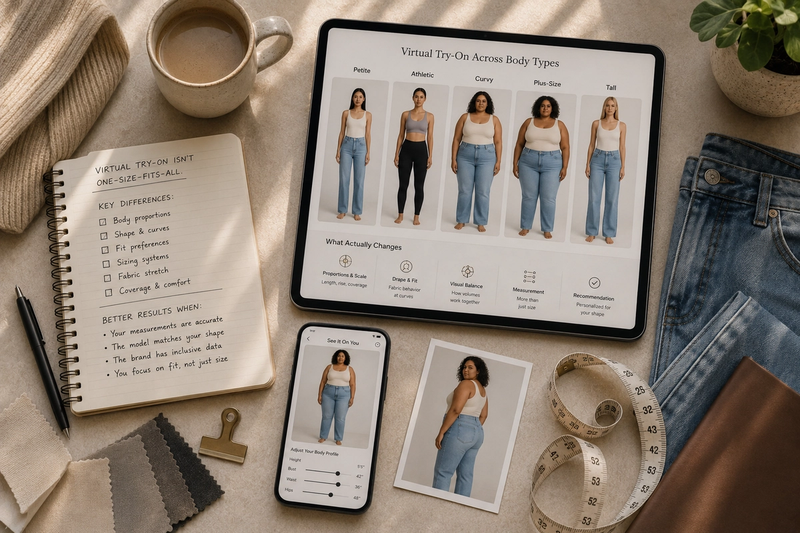
● Body measurements: Two people who wear the “same size” by label can have meaningfully different proportions the label doesn’t capture.
● Fabric and construction: A stretch knit and a structured woven behave completely differently, even cut to identical measurements.
● Intended fit: Some garments are designed to sit loose. Others are designed to be snug. The size chart alone doesn’t always communicate which.
Virtual try on doesn’t remove any of these variables. It shows you the outcome of whatever size you already selected, without correcting for whether that selection was right in the first place.
Virtual Try-On vs. Size Charts vs. Customer Reviews
None of these three tools is complete on its own, but they cover different gaps.
What It Tells YouWhat It MissesVirtual try-onGeneral silhouette, color, overall visual fitExact size, comfort, fabric behaviorSize chartPrecise garment measurements, if you know your ownNothing about drape, stretch, or how it actually looksCustomer reviewsReal fit experiences, “runs small,” “true to size”Inconsistent, since body types vary reviewer to reviewerWardrobe-Aware AI (Elara)How new cuts compare to your proven-fit wardrobePhysical fabric texture prior to delivery
Used together, they compensate for each other’s blind spots. Used alone, each one leaves a real gap in the decision.
How to Actually Use Virtual Try-On Before Choosing a Size
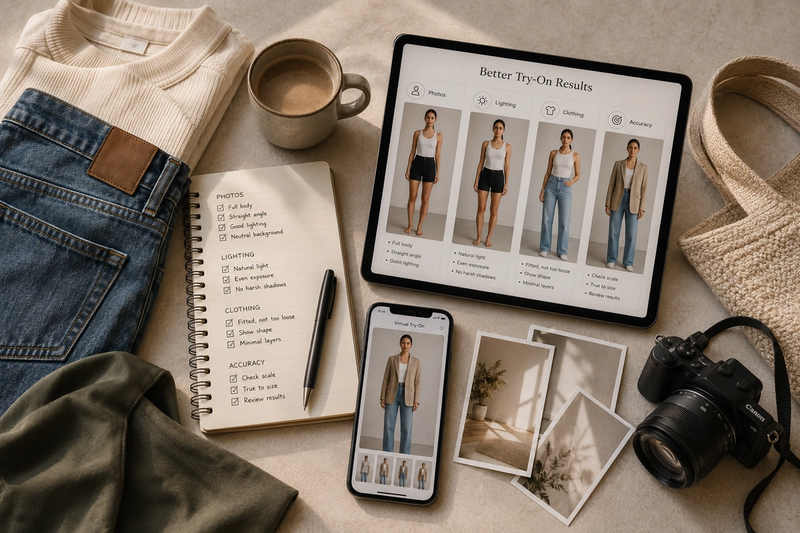
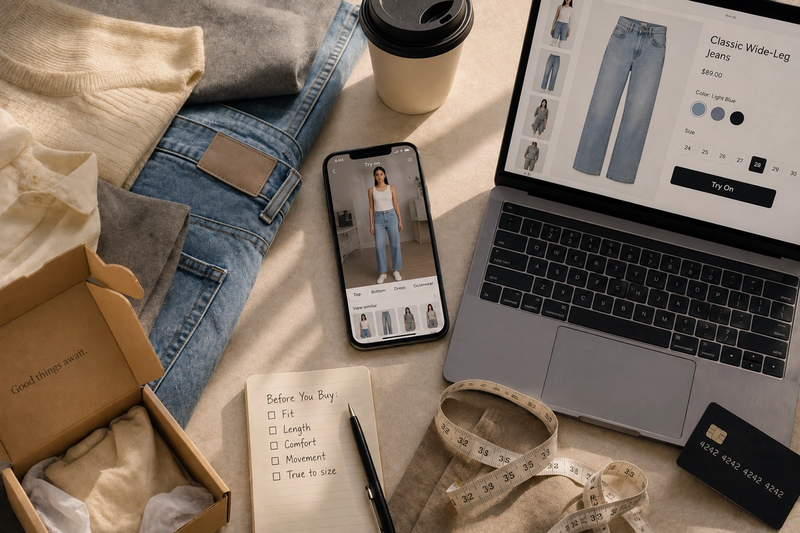
- Check the Size Chart First: Measure yourself if you haven’t recently, and compare against the specific garment’s chart, not a generic size guide.
- Use Try-On for Style: Let it answer “does this style suit me,” not “is this the right size.”
- Check Fit Reviews: Look for repeated comments like “runs small” or “true to size” rather than general praise.
- Consider the Fabric: Stretch fabrics tolerate more flexibility. Structured or rigid fabrics don’t.
- Treat the Render as a Guide: If it looks wrong even at the visual level, that’s useful information. If it looks right, that’s not yet confirmation of anything beyond appearance.
Where Wardrobe Context Helps
There’s a piece of this that virtual try on alone can’t offer, but that a wardrobe aware tool can: comparing the garment’s silhouette and proportions against pieces you already own and know fit you well. If a new jacket renders similarly to one already hanging in your closet, that’s a much stronger signal than the render by itself, because you already have real world confirmation of how that silhouette behaves on your body.
This is the kind of context Elara adds by working from your actual wardrobe rather than treating every preview as a blank slate.
For a full overview of technology types, retail platforms, and wardrobe-aware styling, read our “complete guide to virtual try-on clothes before buying online”.
Frequently Asked Questions
Q1. If a virtual try-on shows a garment looking good on me, does that mean the size is right?
Not necessarily. Virtual try-on shows how your selected size looks on your photo, but it doesn’t confirm that the size matches your actual measurements.
Q2. Should I still check the size chart if I’m using virtual try-on?
Yes. The size chart is still the best source for the garment’s actual measurements. Virtual try-on can help you judge appearance, but it doesn’t replace the size chart.
Q3. Why do two items in the same labeled size look different in virtual try-on?
Because brands cut differently, even at the same size label. The render reflects the specific garment’s shape, not a universal size standard.
What This Means for Your Next Online Purchase
Virtual try on answers a real question well: does this style suit me. It doesn’t answer a different, equally important one: is this the right size for my body? Treating the render as sizing confirmation is where most disappointment after delivery actually comes from.
Use it for what it’s genuinely good at, pair it with a size chart and real reviews for the rest, and you’ll get a far more reliable answer than any single tool can give you alone.

Your AI Stylist is Here.
live on the App Store & Google Play
Available on iOS and Android for seamless access anytime, anywhere.