
color-analysis.app Alternatives: 6 Colour Analysis Apps Compared
Free, one-time and in-person alternatives to color-analysis.app, with verified prices, what its $1 trial turns into and which app suits your budget.
 Mehul AgarwalFounder & CEO
Last updated: November 2026
Quick answer: The best color-analysis.app alternatives are Colorwise.me (free, no account, and your selfie is analysed in your browser), Color Analysis by Drawanyone (a one-time $12.99 purchase on iPhone), Dressika (iPhone, with makeup and hair-colour try-on), Style DNA (colour analysis inside a full AI stylist app) and WhatColors (an all-in-one try-on app). If you would rather see a person, an in-person House of Colour session costs about £280 to £315 at the UK stylists we checked. Prices below are as of November 2026.
color-analysis.app is a web quiz that gives you one of 12 colour seasons plus a palette, makeup and styling tips, and you can start it free without registering. The catch is what comes next: its Terms describe a $1.00 seven-day trial that converts to an auto-renewing subscription, with a standard rate of $14.99 a month. If you want a one-time price, a fully free tool, more privacy or a human analyst, one of the options below may suit you better.
This guide explains what color-analysis.app actually offers, then compares six alternatives on price, platform and what each is best for. Every fact comes from the product's own website or App Store listing. For a wider ranking of colour apps, see our best color analysis apps guide.
What color-analysis.app offers (and what it costs)
color-analysis.app gives you a 12-season result, your undertone, contrast and depth, a palette of best colours and styling tips, with outfit and makeup suggestions and a try-on feature, according to its homepage. It runs in the browser only; we found no App Store or Google Play app. Uploading a photo is optional: its FAQ answers "Nope, totally up to you!"
Pricing is where people get caught out. The homepage advertises a free quiz with no registration, but the Terms set out the paid model:
- Trial: a seven-day access period for $1.00, which "converts to selected plan rate after trial." The example given is $14.99 a month from day 8.
- Plans listed: weekly plans from $9.99 to $14.99, monthly plans from $14.99 to $69.99 and a quarterly plan at $29.99. "All subscriptions auto-renew until canceled."
- One-time purchases: "Some features may be available as one-time purchases ($4.99-$14.99)."
- Refunds: the trial can be refunded within 30 days under conditions, but subscriptions are not refundable except for verified billing errors or technical issues, with "no partial refunds for unused time."
Its real strengths: it is free to start, you do not need to upload a selfie, the output is detailed, and results arrive in minutes. Who should look elsewhere: anyone who wants a single payment, a fully free result, an iPhone app, or a human eye on their colouring.
The best color-analysis.app alternatives
Each alternative below is verified on its own site or App Store listing (US prices, as of November 2026). App Store pages list in-app purchases without always saying which are subscriptions, so we quote them as shown.
1. Colorwise.me: best free alternative
Colorwise.me describes itself as "a dedicated color analysis tool, not a quiz," and has run since 2018. You upload a selfie, and for its web analysis the photo "is processed in your browser and not uploaded for seasonal analysis," according to its self-analysis page.
- Price: "Colorwise.me's AI Color Analysis is free, with no account needed." The free report includes your primary and secondary season, temperature, depth and clarity, main colours, neutrals, accents, colours to avoid, and virtual draping. A paid plan, Colorwise One, adds tailored palettes and premium tools, billed monthly or as a single yearly payment with no automatic renewal (no price shown on the site).
- App: its iPhone app, My Best Colors, has a free ad-supported version and a $14.99 lifetime premium purchase, rated 4.7 from 2.8K ratings.
- Best for: a free, detailed result without handing over your photo or email.
2. Color Analysis by Drawanyone: best one-time purchase
This iPhone app (also on Mac and Vision Pro) analyses a selfie or uploaded photos, automatically or through a quiz, and places you in one of 12 seasons with 120+ Pantone colours and around 70 makeup shades, according to its App Store listing.
- Price: in-app purchases of "Color Analysis $12.99" and a discounted "$5.99," which read as one-time unlocks rather than subscriptions.
- Privacy: its App Store privacy label says "The developer does not collect any data from this app."
- Note: despite the similar name, it is not the same product as color-analysis.app; the developer is Drawanyone, Inc.
- Best for: people who want to pay once and keep the result on their phone.
3. Dressika: best for makeup and hair-colour try-on
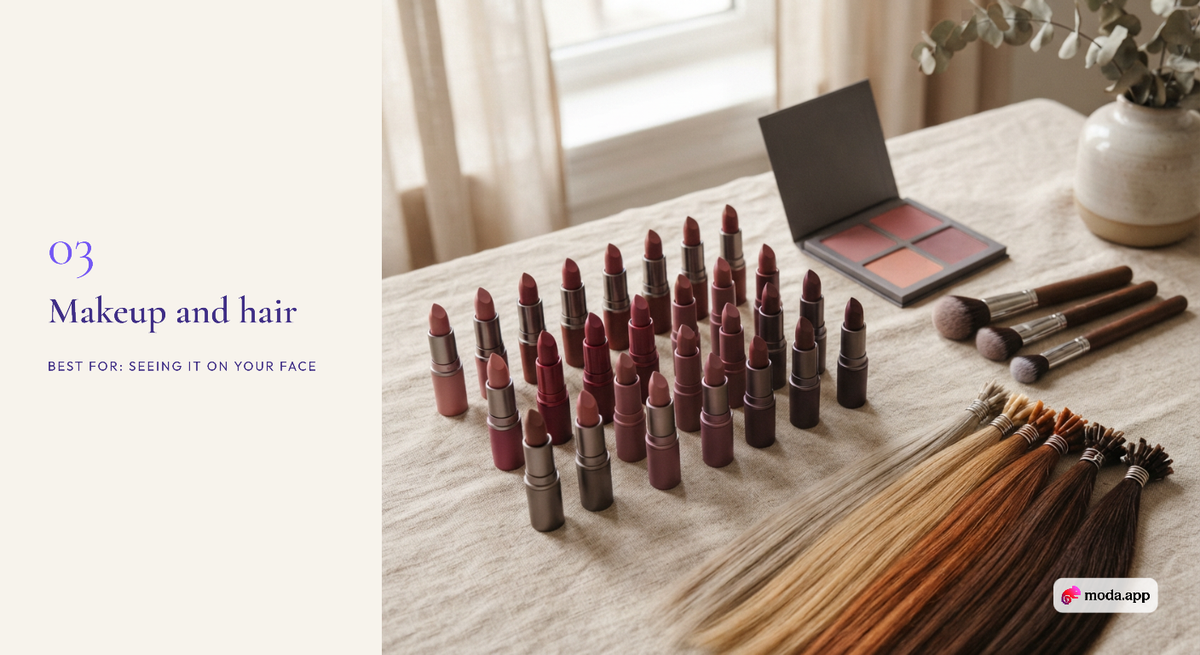
Color Analysis by Dressika runs AI photo analysis across 12 seasons based on skin undertone, eye colour and hair colour, with a manual quiz as a backup. It adds a 120-colour palette, a virtual wardrobe, makeup try-on with 170 shades and hair-colour try-on with 180 colours.
- Price: free to download with a long list of in-app purchases, from "Premium - 1 month $4.49" to "Premium - 12 months (24% off) $12.49" and one-off "Color Analysis - Premium" options up to $40.00.
- Human backup: in replies to reviews, the developer says premium users can get a free analysis from its colour consultant for complex cases.
- Rating: 4.3 from 5.8K ratings. iPhone, iPad and Apple silicon Mac only.
- Best for: iPhone users who want to see their season on their face, through makeup and hair colour.
4. Style DNA: best if you also want a stylist
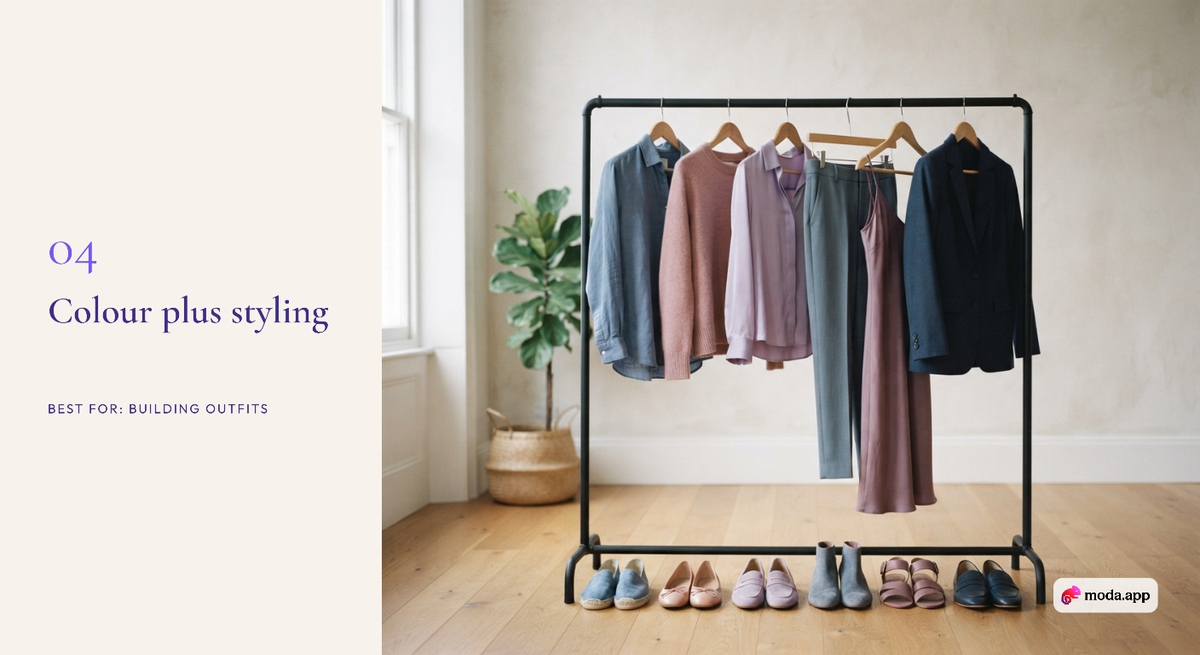
Style DNA says it creates "your full style profile" from a single selfie in 35 seconds, including a 12-season type and undertone-based palette, then adds outfit ideas, closet organisation and planning.
- Price: subscriptions shown range from "Monthly subscription $7.99" to $19.99, three months from $14.99 to $24.99, and annual plans at $29.99 or $39.99, plus one-off guides such as "Palette and Body type guide $12.99."
Want this styled from your own closet?
Elara builds the look from what you own, then lets you try it on.
- Rating: 4.3 from 7.6K ratings. iPhone only.
- Best for: people who want colour analysis as the first step in a wider styling app.
5. WhatColors: best all-in-one try-on playground
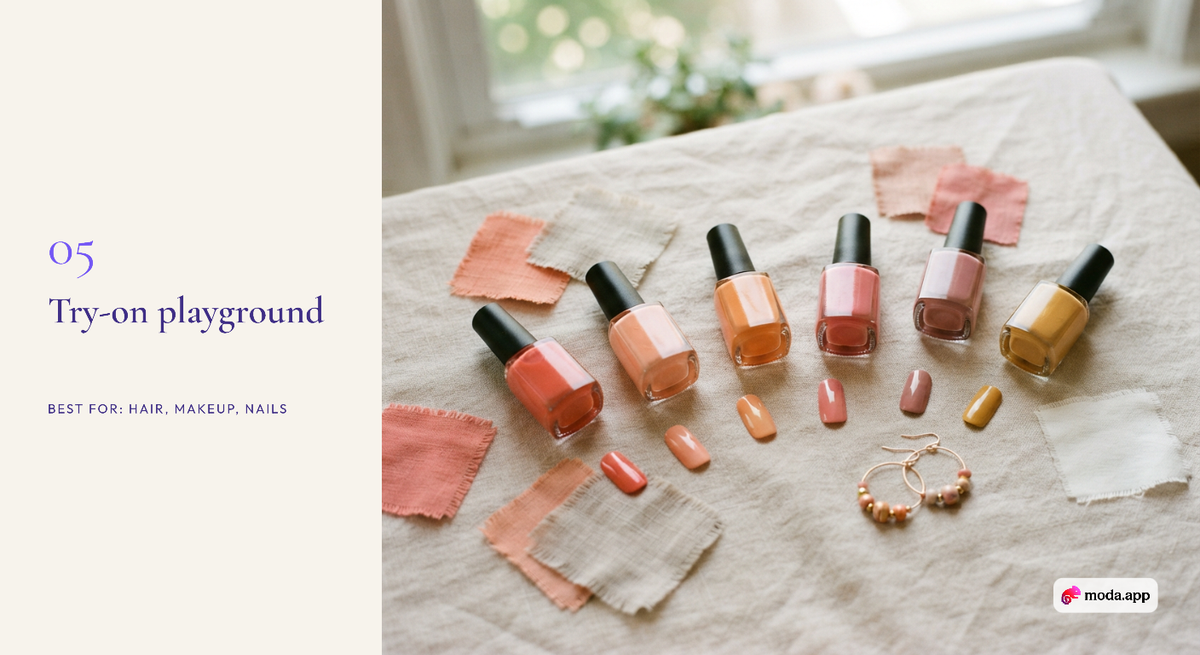
WhatColors combines colour, body and nail analysis with hair, makeup and outfit try-on and an AI stylist chatbot. The listing says "Unlock all features with subscription."
- Price: in-app purchases from "Color Theory Analysis $5.99" to "WhatColors Pro $29.99," plus "Weekly Premium Access $9.99."
- Rating: 4.1 from 1.1K ratings. Requires iOS 17 or later.
- Best for: people who enjoy experimenting across hair, makeup and nails, and do not mind a subscription.
6. An in-person analysis: best for accuracy you can see
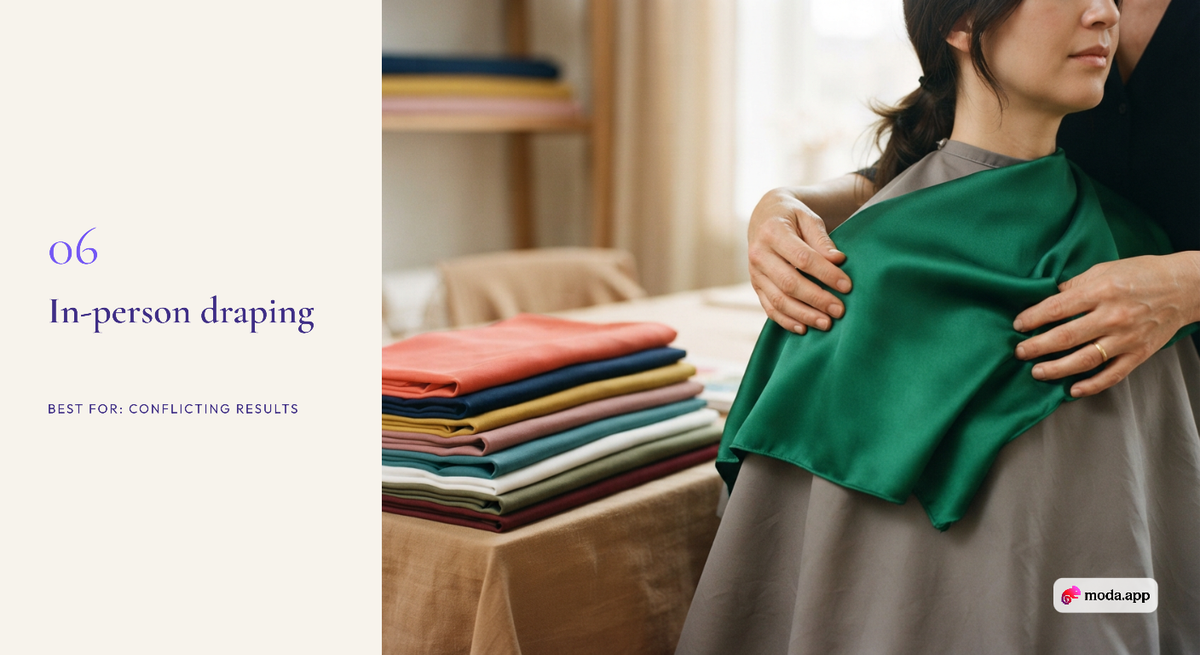
Apps work from a photo, so lighting, screen colour and camera processing all affect the result. A trained analyst drapes real fabric under controlled light instead. House of Colour describes its colour session as "a 2-3 hour service" ending with a makeup routine, a colour fan and a wardrobe guide (House of Colour).
- Price: set by each stylist. Two UK stylist pages we checked list £295 (£315 on Saturdays) (Blackheath and Lewisham) and £280 for a one-to-one session (Wendy Dooley).
- Best for: anyone who has had conflicting app results, or wants a physical colour fan to shop with.
How to choose between them
Decide on three things first: how you want to pay, how much you care about your photo, and what you will do with the result.
- Want it free: Colorwise.me's web analysis, which also needs no account.
- Want to pay once: Color Analysis by Drawanyone ($12.99) or My Best Colors' $14.99 lifetime upgrade.
- Care most about privacy: Colorwise.me (processed in your browser) or Drawanyone (no data collected, per its label). color-analysis.app also lets you skip the photo entirely.
- Want to see makeup and hair on you: Dressika or WhatColors.
- Want styling, not just a palette: Style DNA.
- Have had mixed results: an in-person draping session.
How to get an accurate result from any colour analysis app
Most errors come from the photo, not the app. Colorwise.me's own guidance is a good checklist:
- Use "a sharp, front-facing selfie or portrait in even daylight, with your natural skin, hair, and eye colors visible."
- "Keep your face free of strong shadows, wear minimal makeup, and avoid filters or colored lighting."
- Stand facing a window rather than under indoor bulbs. Style DNA's developer notes in App Store replies that night or electric light "can add undertones."
- Try two or three selfies taken at different times of day. If the results disagree, that is a sign the lighting, not your colouring, is driving the answer.
Once you know your season
A palette only helps if it changes what you wear. The next step is checking your own wardrobe against it: which pieces already suit you, and which gaps are worth filling. Our colour analysis app guide explains how the seasons work if you want to understand your result in more depth.
FAQ
Is color-analysis.app free?
The quiz is free to start with no registration, but its Terms describe a $1.00 seven-day trial that converts to an auto-renewing subscription, with $14.99 a month given as the standard example rate (as of November 2026).
How do I cancel color-analysis.app?
Its Terms say subscriptions auto-renew until cancelled, and the site has a cancellation help page. Cancel before the trial ends if you do not want the subscription, because subscriptions are not refundable except for verified billing or technical errors.
What is the best free alternative to color-analysis.app?
Colorwise.me. Its web analysis is free, needs no account, and processes your selfie in your browser rather than uploading it for analysis.
Is there a color analysis app with a one-time payment?
Yes. Color Analysis by Drawanyone lists a $12.99 unlock on iPhone, and Colorwise.me's My Best Colors app offers a $14.99 lifetime premium purchase.
Are AI colour analysis apps accurate?
They can be close, but results depend heavily on the photo. Use even daylight, minimal makeup and no filters, compare a few selfies, and consider an in-person draping session if results conflict.
Put your palette to work
Elara is not a colour analysis app, so it is not on this list. Where it helps is after you know your season: add your clothes to Elara's digital closet, tell the styling chat your season, and ask which of your own pieces work together for a given day. Try Elara free and start dressing in your colours from what you already own.
Your stylist, in your pocket
Stop reading about outfits. Start wearing them.
Elara knows your closet, shops every store and gets you dressed for any occasion.